



Price: $899.00
(as of 2026-10-19 23:07 GMT+0000 – Details)

A Compact, Metal-Built Design for Mobile Use
The GeekBook X14 Pro is built around portability without settling for a conventional bulky notebook. At 2.2 pounds and 0.23 inches thick, it is designed to fit comfortably into a bag and remain manageable during long periods away from a desk. Its aerospace-grade magnesium-alloy chassis and precision-milled CNC unibody provide a clean, solid construction, while a multi-step coating creates a warmer surface and helps reduce visible fingerprints. GEEKOM also states that each laptop passes thermal, drop, and hinge durability testing. The included one-year limited warranty and 24/7 U.S.-based technical support add useful backing, although the description does not provide specific test standards or detailed warranty terms.
A Detailed and Fluid OLED Display
The 14-inch 2.8K OLED panel is one of the X14 Pro’s most prominent features. Self-emissive pixels can produce true blacks and strong contrast, making the display well suited to dark interfaces, movies, and color-sensitive creative work. Coverage of 100% of the DCI-P3 color gamut provides access to a wide range of hues, while the stated color accuracy makes the screen relevant to creators as well as entertainment users. A 120Hz refresh rate should make scrolling and animation appear smoother than on many conventional 60Hz panels. Brightness reaches up to 450 nits, which improves usability in illuminated rooms, though actual outdoor visibility will depend on ambient light and screen settings.
Long-Duration Battery Life and Compact Charging
A 72Wh high-density battery gives the X14 Pro a stated runtime of up to 16 hours, positioning it for workdays involving meetings, browsing, document editing, and other routine productivity tasks. The “up to” qualification is important because actual runtime can vary with workload, display brightness, wireless activity, and power settings. Charging is handled by a compact 65W GaN adapter that GEEKOM says is about 30% smaller than a typical laptop charger and can raise the battery to 80% in approximately one hour. This combination makes the notebook practical for travel, particularly when carrying it between meetings or working for extended periods without regular access to an outlet.
Modern Processor, Graphics, and On-Device AI
Performance comes from an Intel Core Ultra 5 125U processor based on Meteor Lake architecture, with 12 cores, 14 threads, speeds up to 4.3GHz, and 12MB of Smart Cache. Intel Arc graphics adds hardware-accelerated features such as XeSS upscaling, ray tracing, and AV1 encoding, all of which can benefit compatible games and creative applications. A dedicated NPU works alongside the CPU and GPU to support on-device Copilot features, including eye tracking, background blur, and intelligent noise reduction. These capabilities strengthen the platform’s appeal for AI-assisted workflows, but the description does not provide application benchmarks, so the real-world benefit will depend on the software and workloads involved.
Cool Operation and Integrated Audio
Thermal management is handled by GEEKOM’s IceBlade 2.0 system, which uses high-efficiency heat pipes to transfer heat away from the processor and graphics. The stated goal is to reduce thermal throttling and maintain responsive performance during demanding sessions while keeping fan noise low. That is a sensible approach for a thin notebook, where limited internal space can make sustained cooling more difficult. The description presents quiet operation and stable performance as design outcomes but does not specify measured temperatures, noise levels, or comparative benchmarks. For media playback and calls, dual speakers with DTS:X Ultra audio provide an integrated alternative to external speakers, complementing the OLED display with a more immersive presentation.
Extensive Connectivity Without Depending Entirely on Adapters
The X14 Pro includes two 40Gbps USB4 ports with Power Delivery and DisplayPort 2.1, enabling fast data transfers, charging, and support for as many as three 4K displays. It also provides HDMI 2.1, a USB 3.2 Type-A port, and a 3.5mm audio jack, covering common wired accessories and external-display needs. The inclusion of a docking station is particularly useful at a fixed workstation, where connecting several peripherals individually can become inconvenient. It also helps offset the limited number of full-size ports expected from a chassis this thin. Exact display combinations and docking performance will depend on the selected devices, adapters, operating-system settings, and the dock’s own connection layout.
Fast Storage, Modern Wireless Options, and Physical Privacy
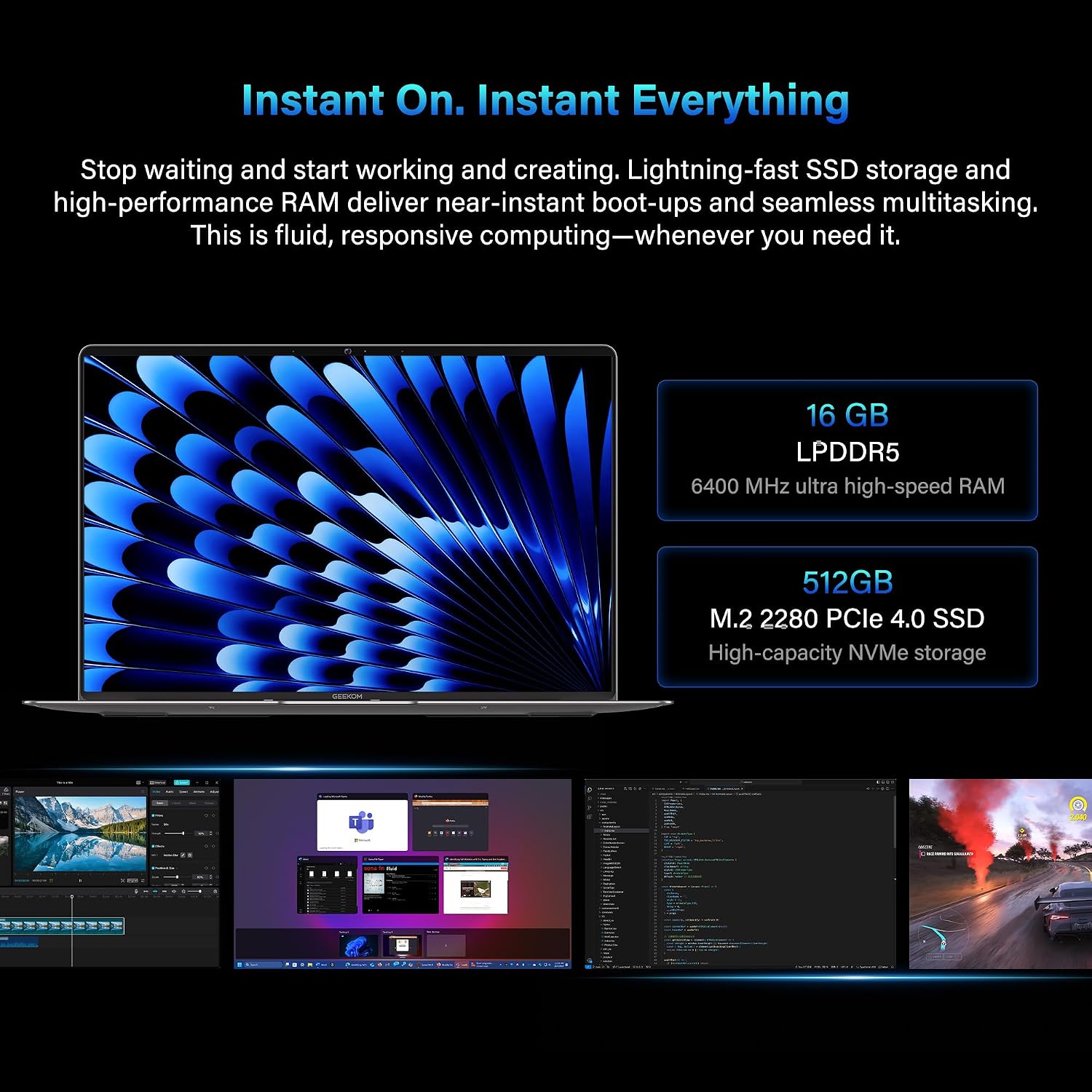
Windows 11 runs alongside 16GB of LPDDR5 memory at 6400MHz and a 512GB PCIe Gen4 NVMe solid-state drive. The memory specification supports demanding multitasking and numerous browser tabs, while the PCIe Gen4 storage is intended to provide quick loading and ample room for everyday projects. The 512GB capacity may be less generous for extensive video libraries or very large working files, and the supplied information does not clarify memory or storage upgradeability. Wi-Fi 6E supports the 2.4, 5, and 6GHz bands, while Bluetooth 5.4 targets efficient, responsive accessory pairing. Privacy controls include fingerprint unlocking and a physical camera shutter that visibly disconnects the camera, providing a straightforward safeguard for video calls and sensitive conversations.